How do I rectify an image file and convert it to a Geotiff?
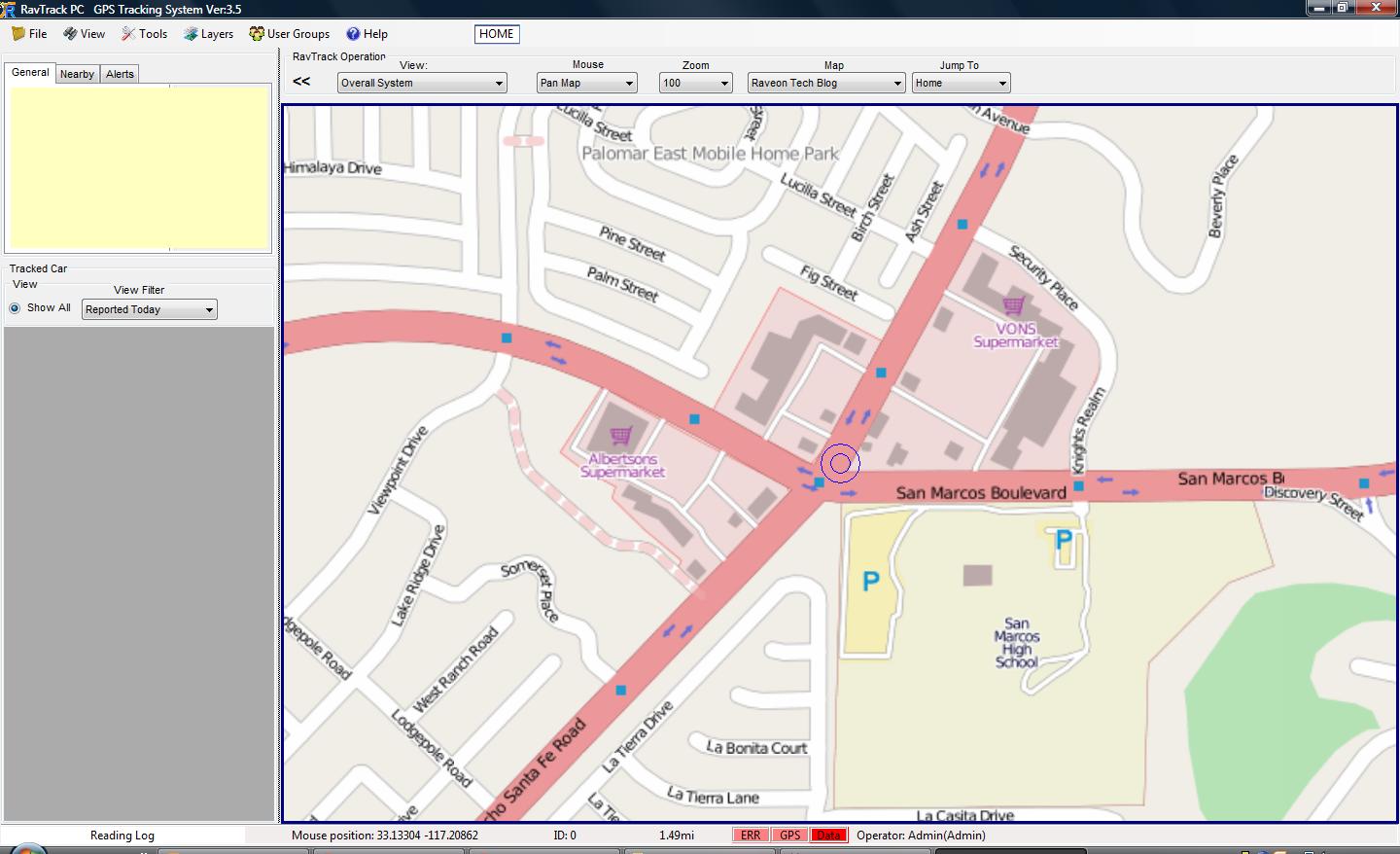
Raveon’s customers have a wide variety of applications for our GPS tracking system. Whether you run a golf course consisting of a few dozen vehicles, or a large fleet that spans an entire city, you may find that you require a specific image for use with the RavTrack Software. The following is an example of how to rectify an image. Rectifying an image translates into the process of converting a standard image into a usable map coordinate system. The map coordinate system will output in the form of a Geotiff file that can be loaded into RavTrack. Our example will be of a simple map image of Vista, Ca. We will use Global Mapper 12 to rectify the image.
1. First start Global Mapper 12 and select download free maps. Select an aerial map or street map, depending on the image you are trying to convert. Download only the area that you are trying to cover. This will be your reference map coordinate system. 
2. Now select rectify imagery under the file tab.

3. Set the configuration with Export and Geotiff selected as shown in the following image. Then select OK.

4. Determine the location of your map image and open it.

5. The image rectifier will open. We will began the process of selecting ground control points on our reference aerial map, and matching the point on our image. This will allow the image rectifier to know the geophysical location of the points on our map. With at least three of these points, the image rectifier will be able to convert the image to a usable Geotiff file for us to use with RavTrack.

6. Set the projection by selecting the option in the bottom right of the screen. Configure the projection to match your reference coordinate system. Then select OK. For our example we are using UTM zone 11.

7. Find an area on your map image that you can locate as well on your reference coordinate system. Set a ground control point on the reference coordinate system by clicking on the location. Find the exact location on your map image and set the equivalent ground control point.
It is important to ensure that the locations match. You may have to zoom in or out in order to achieve the best match.
Once done, select add point to list. Do this for three different locations that are spaced far away from each other. For example, a control point in the upper left hand side of the image, the upper right hand side, and the center of the map.

8. Once you have at least three ground control points, select OK. Your image will be converted to a map coordinate system and stored in the same directory from which your map image was retrieved.

For more information on how to use Geotiff files with RavTrack PC, or for more information on UTM zones, please refer to our Tech Blogs in the Map and Imagery Section.